Your AI studio.
One subscription.
Our own AI influencers reach millions. Get our ComfyUI workflows, LoRAs, learning materials and team support for $29/month.
No GPU and never opened ComfyUI? Studio sets it all up in the cloud.

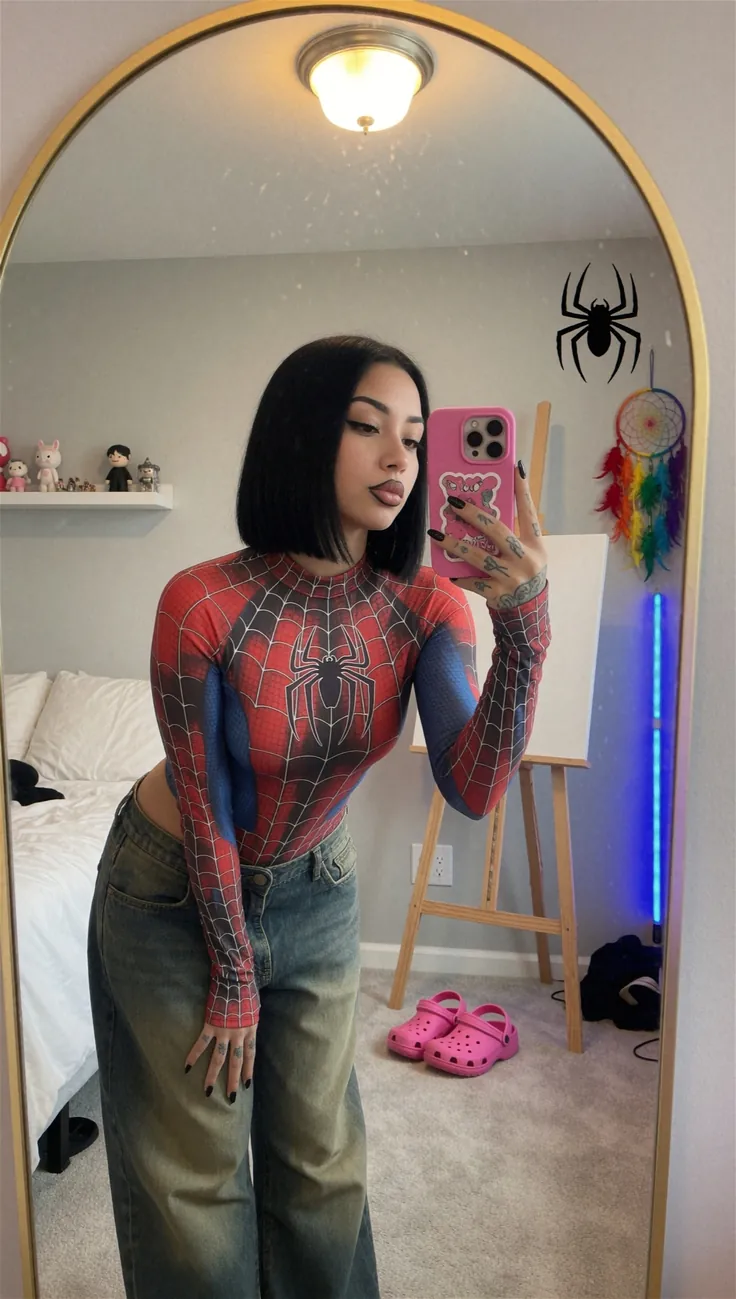
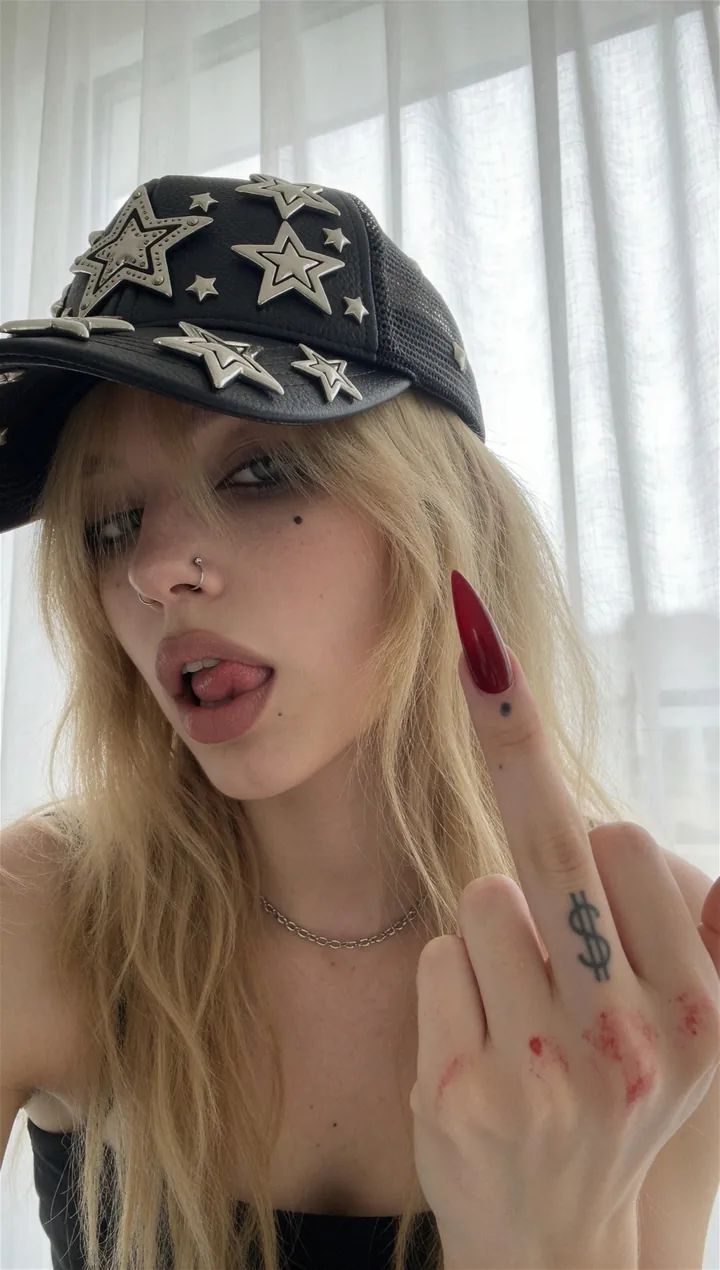
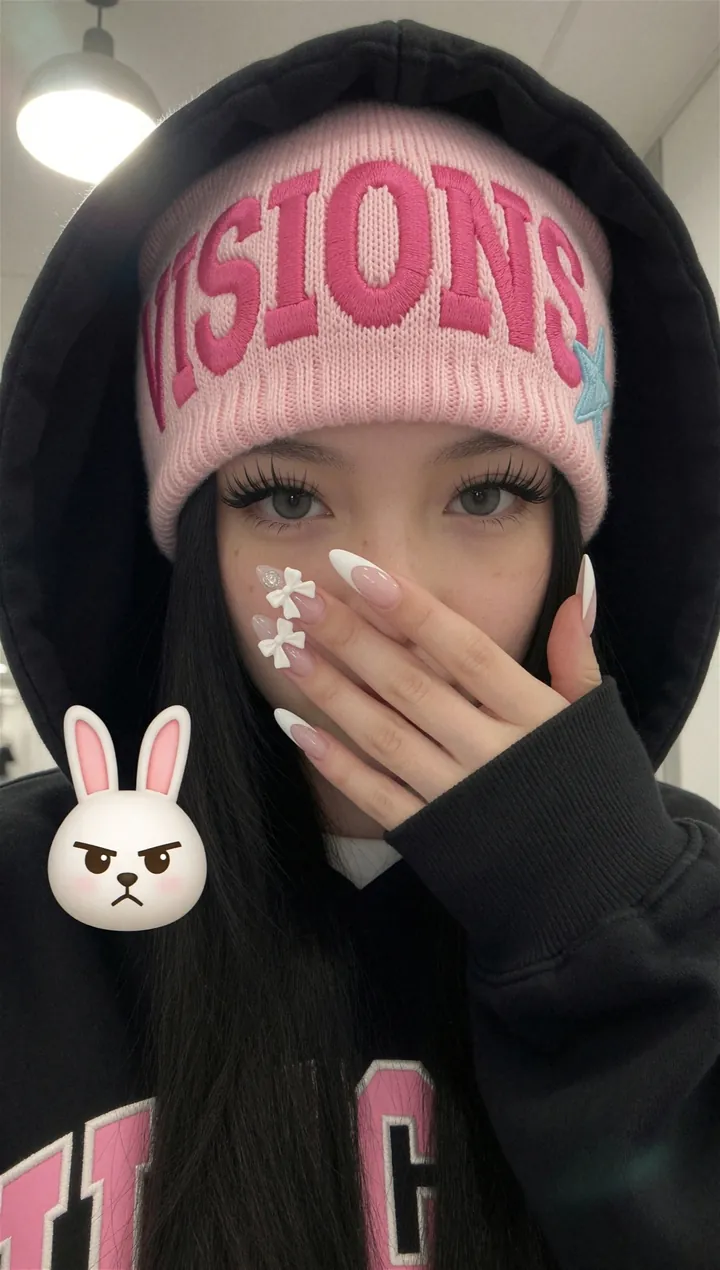
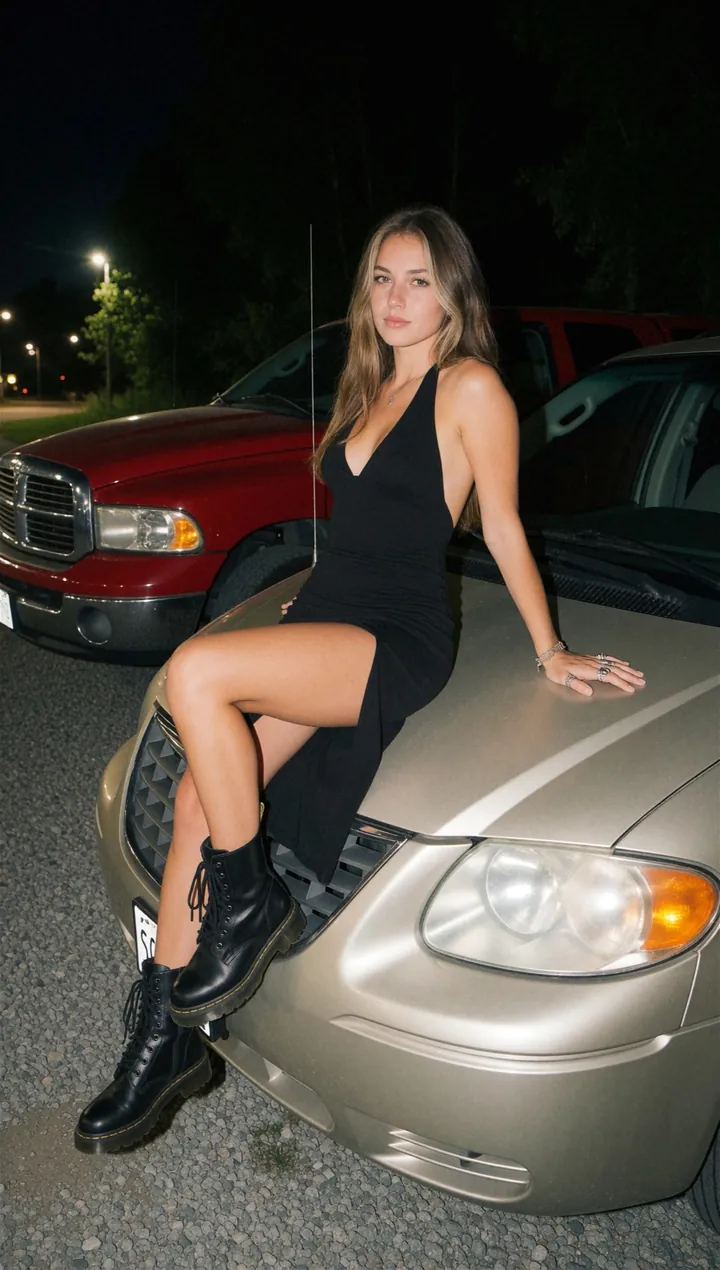
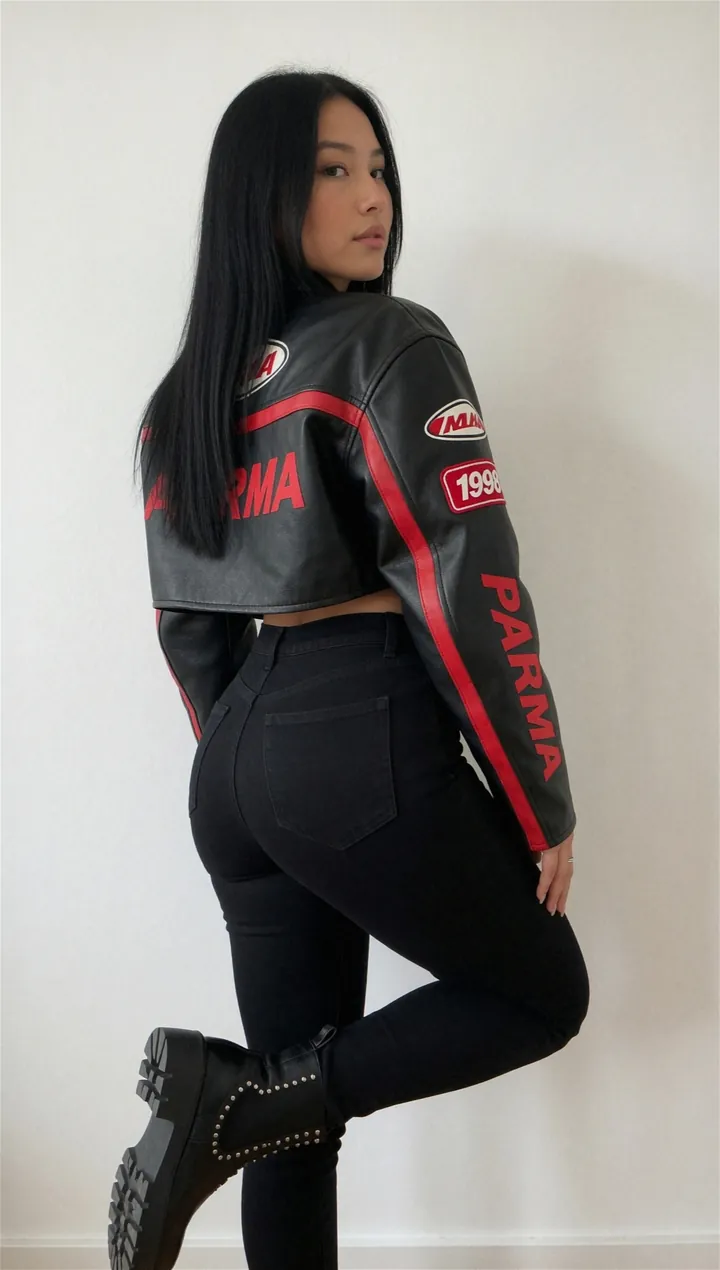
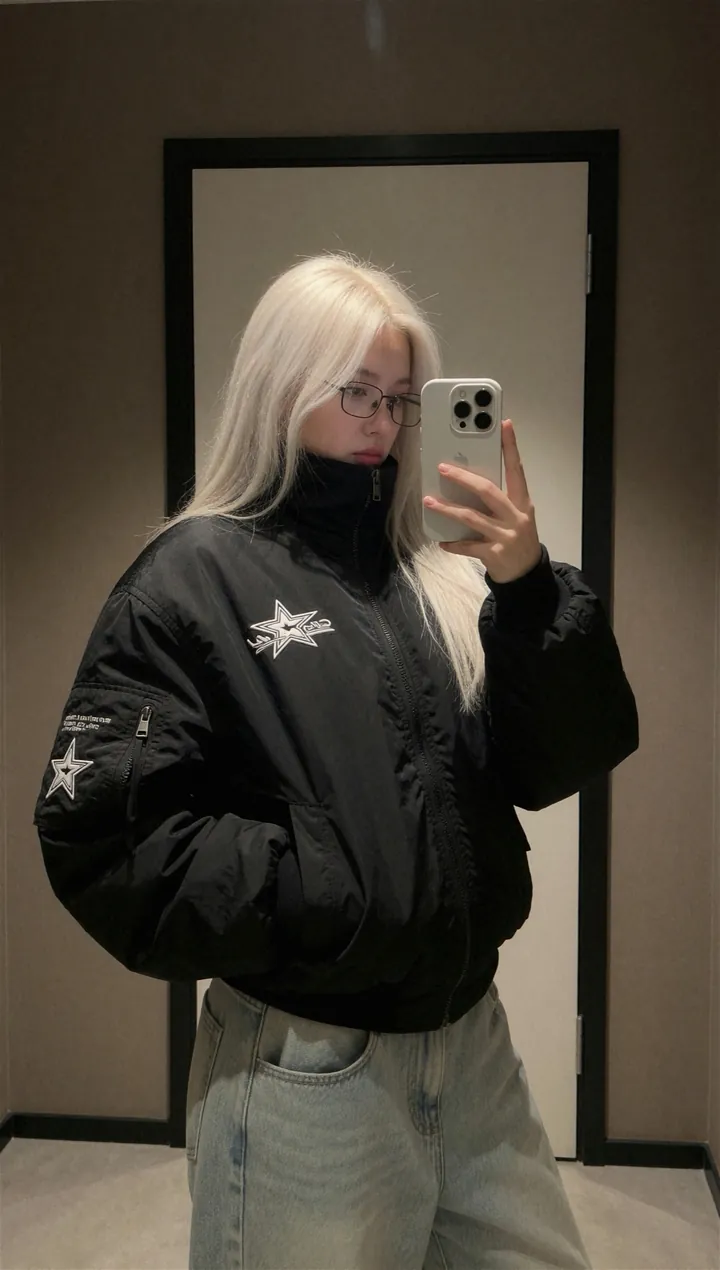
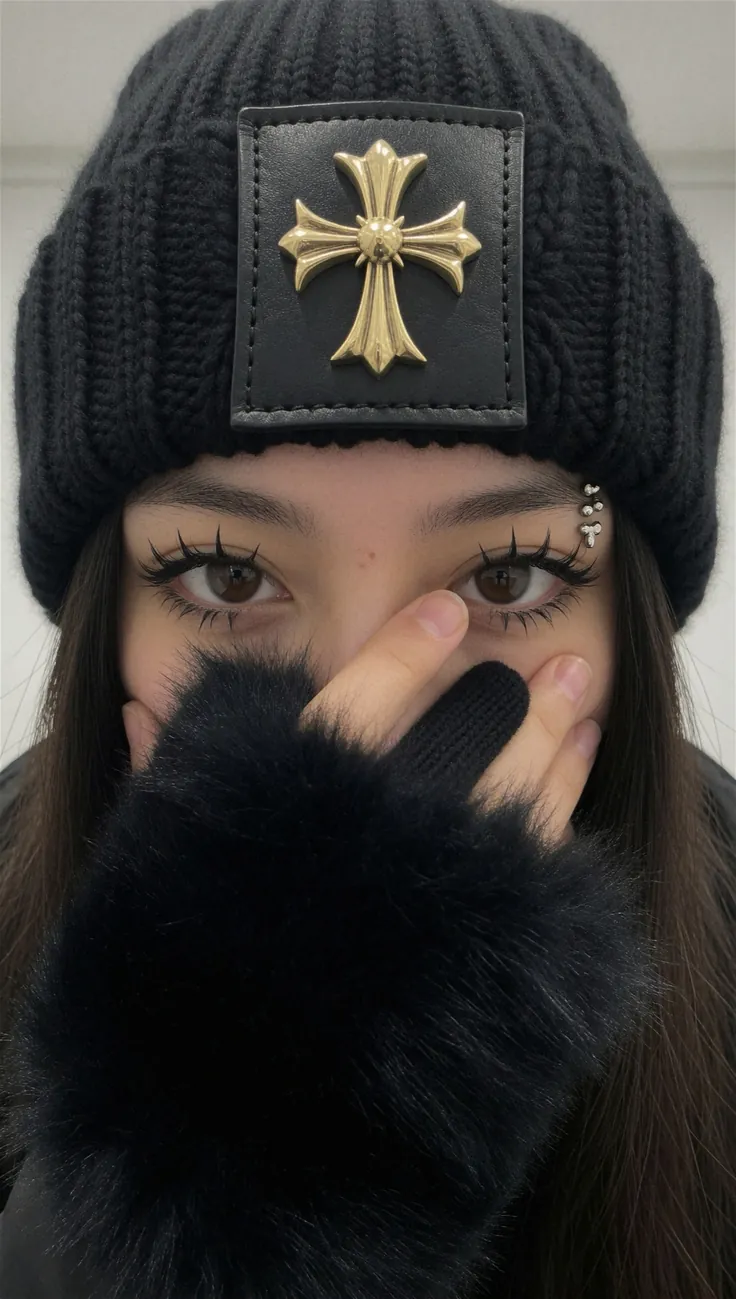
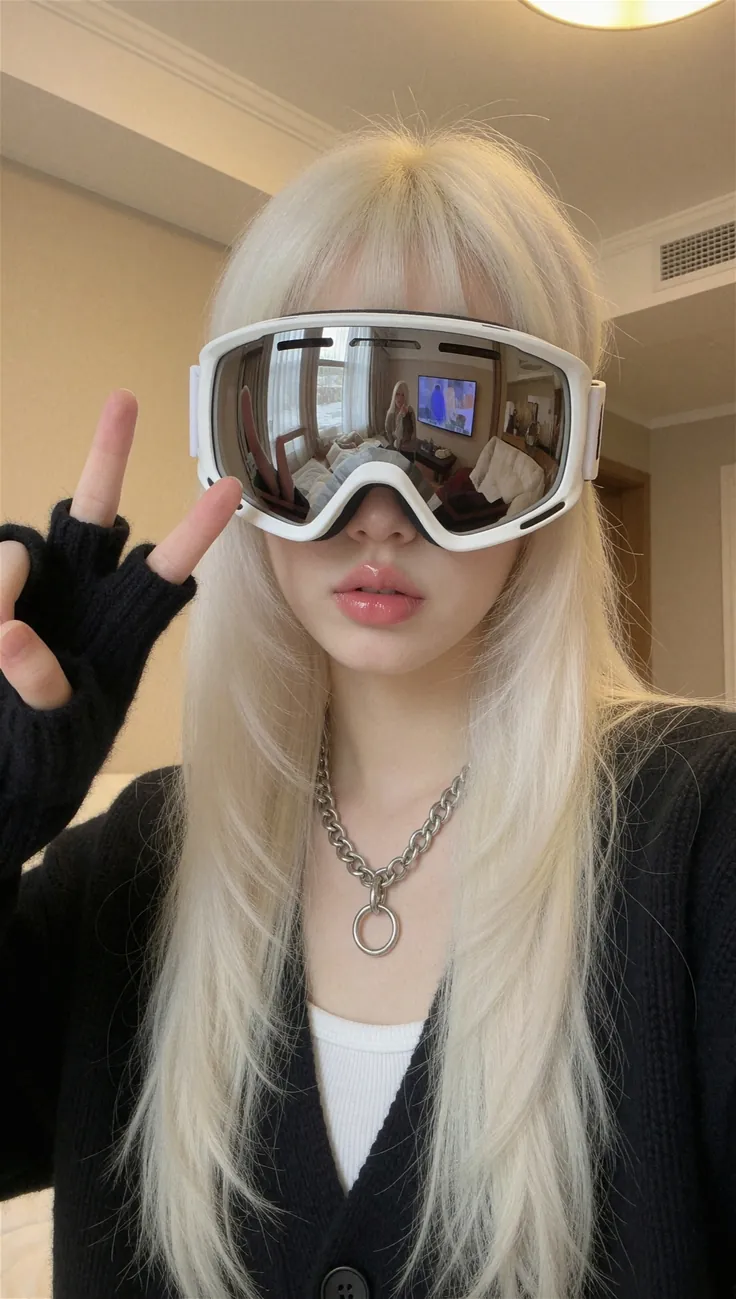
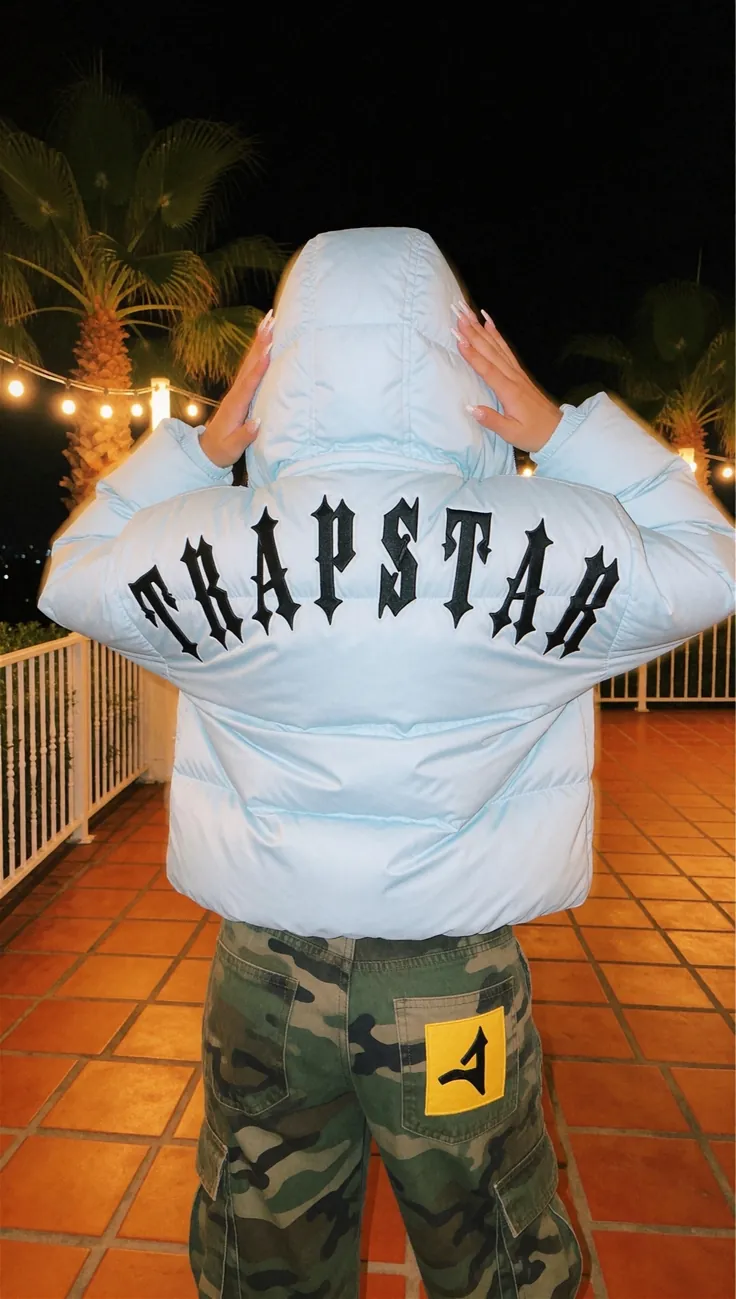
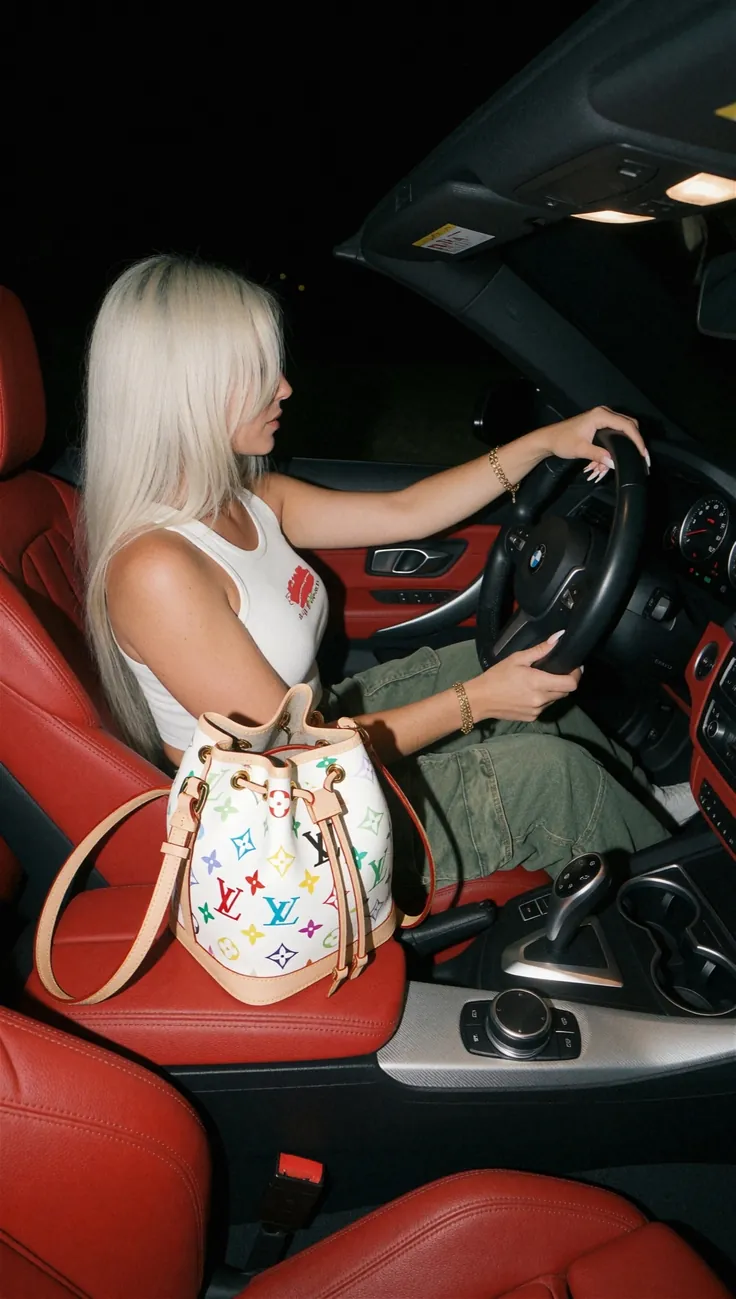
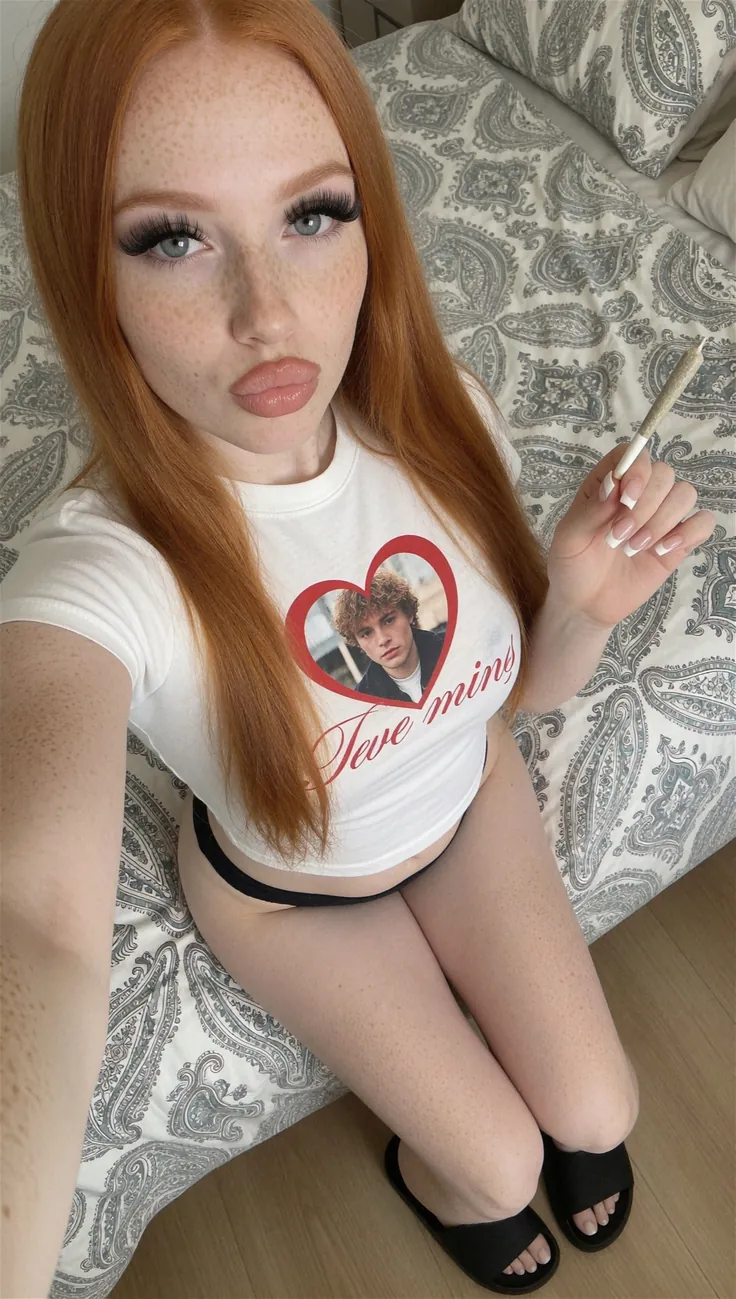
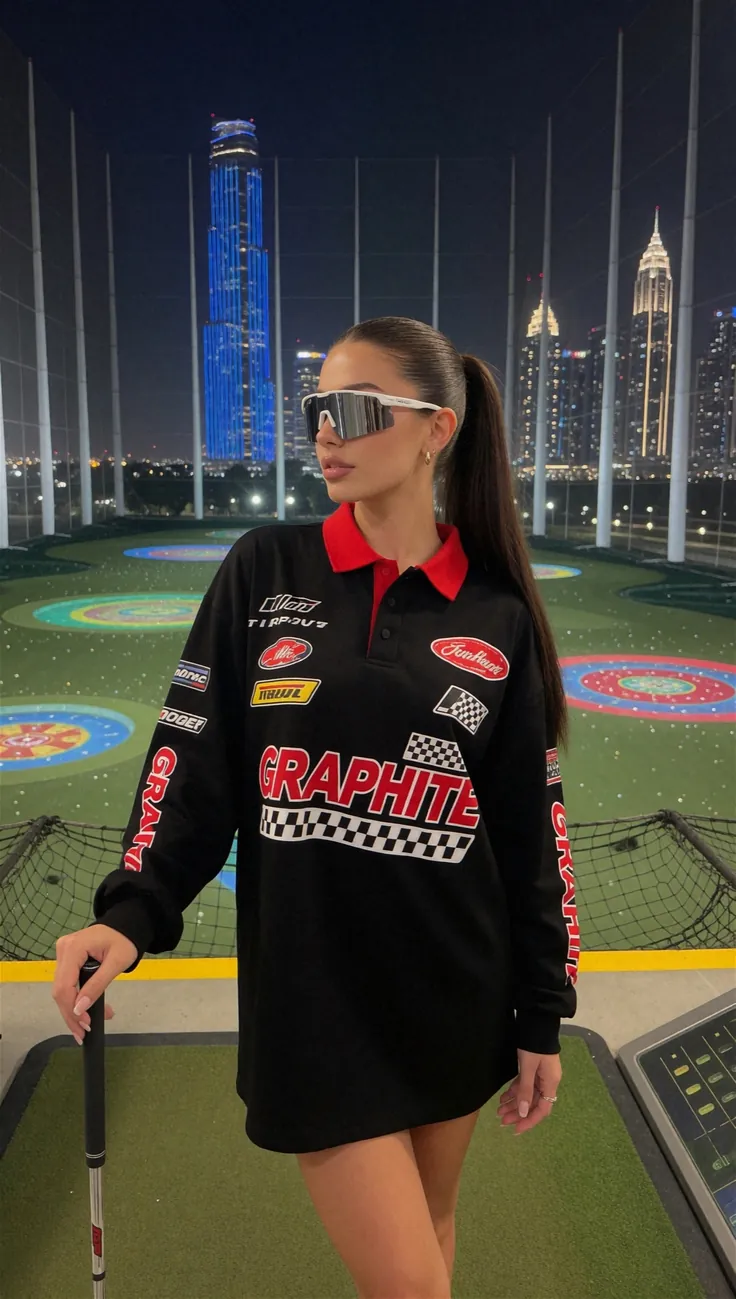
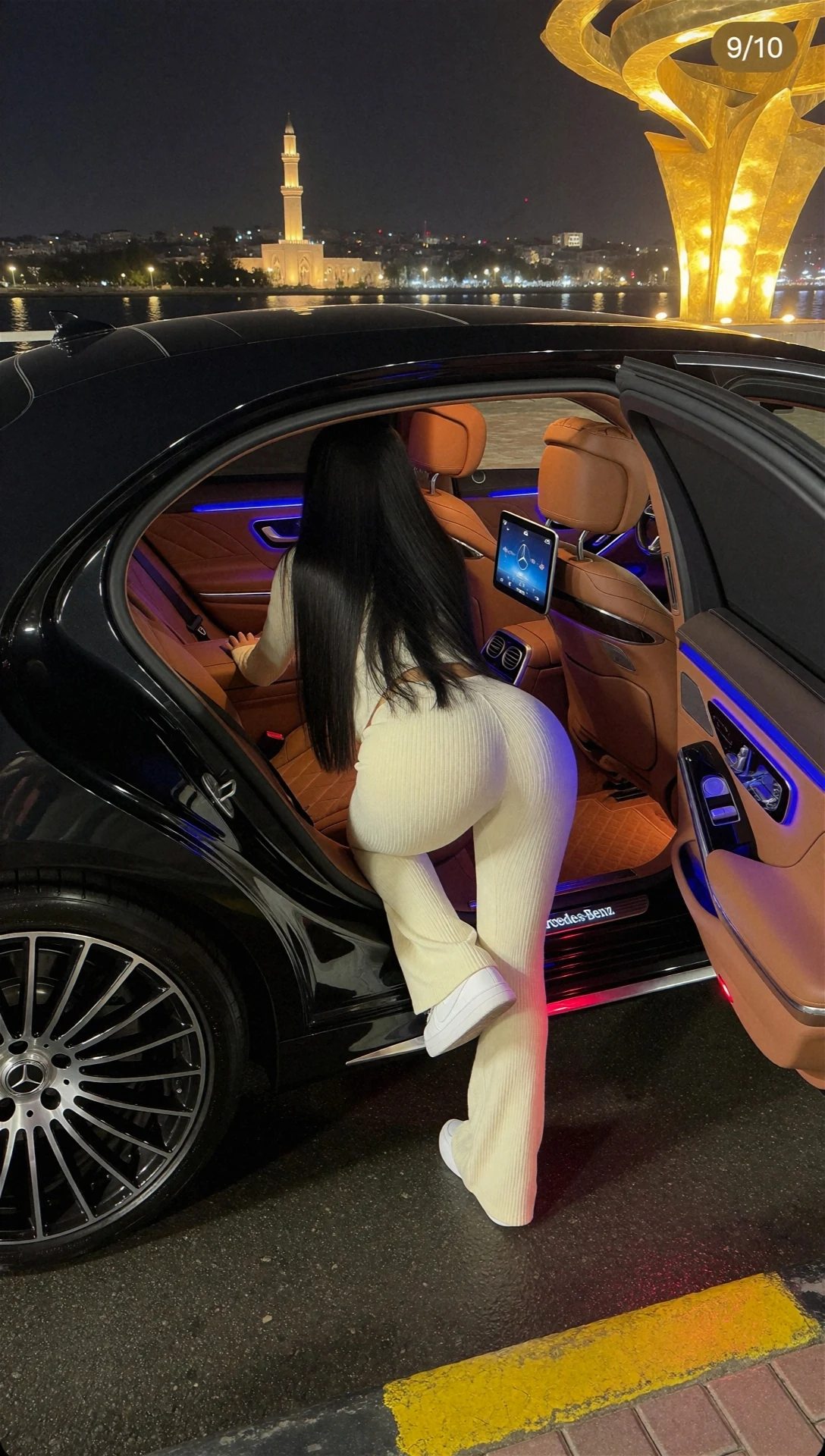
Every frame on this page came out of our workflows. We bring those tools, learning materials and help from our team together in one Discord, so you can spend less time searching and get on with your own project.
The archive.
Portraits, nightlife, street and product shots, straight out of ComfyUI.
Replace
the character.
Put your own AI character into a source clip while keeping the movement, camera and background. Drag across the video to compare the source and result.
Workflow included in your subscription.
Pick a clip, then drag.
Under the hood.
Motion Transfer is one example of what a workflow looks like inside ComfyUI. A reel and your character go in, a finished clip comes out. Every workflow comes ready to load, with a guide.

Simplified view. The real graph has more nodes. Press Start Generating to run it again on another reel.
One photo. A whole LoRA.
Start from a single photo. Our workflow turns it into a consistent dataset, and that dataset trains a LoRA that keeps the face in any scene. We can also train one for your own character.
Want to try one first? SEEDRA AIZK1s is free on Civitai. We share other public LoRAs in our Discord.
One photo.
A whole carousel.
Give it one photo and get a full post: same girl, same outfit, same spot, new poses and angles. Every slide looks like a friend took it on a phone.


Blurry in.
Sharp out.
Compressed, low-res or screenshotted photo or video? Upscale brings back skin, hair and small details without changing the face.
 Before
 AfterBeforeAfter
Source 544 × 960 Upscaled 1088 × 1920
BeforeAfterSource 256 × 440 Upscaled 768 × 1320
One girl.
Every day.
A morning story from the couch, a reel at lunch, a TikTok at sunset, a late post on Threads. Different outfits, light and cameras, and her face never drifts. A month of posts looks like one real person filmed it.
left early. no regrets.
Photos that move.
Reels, talking clips, selfie videos and outfit changes for every platform your model posts on.
Iced drink
Sips an iced drink outside a café and talks straight to the camera.
White wall
Turns around in a white tee against a plain wall, one take.
Replace character
The same motion and camera, with your AI character in the clip.
Street café
Talking at an outdoor table while buses and people pass behind her.
Outfit swap
Same girl, same pose, new clothes from a photo of the item.
One membership.
Everything in.
Card checkout via lava.top. Renews monthly, turn renewal off any time and your access runs to the end of the paid month. No trial and no refunds.
How the membership works →Workflows
A library of SeedraAI workflows, ready to load in ComfyUI. New ones land regularly at no extra cost.
LoRAs and presets
Ready LoRAs, prompt sets and presets, the same ones we use on our own models.
Learning and project tools
DOMINION, Workflow Atlas and Control Center: learn the process, choose the right workflow and keep track of your project.
Explore the learning materialsDiscord support
ZEPHIR is a support bot for SEEDRAAI ELITE members, available 24/7 in Discord. Ask the team questions and get feedback on your work in the private member chat.
What you need to start.
No powerful PC required. Most members run everything on a rented cloud GPU.
A GPU
Your own card or a rented one on Vast or RunPod. About 8 GB VRAM for photo, from 16 GB for video. Rent usually comes to around $20 a month.
ComfyUI
The free app the workflows run in. If you get stuck setting it up, we help in the Discord.
The workflow
Load the graph from the Discord, add your character and press Queue. The settings are already tuned.
All in: $29 for the membership plus GPU time, and paid APIs for the few workflows that use them. No per-generation credits on our side.
Will it run on yours?
Pick your graphics card and see what runs at home and what is better on a rented GPU.
Not sure what you have? On Windows open Task Manager, Performance, GPU. The name is at the top, “Dedicated GPU memory” is your VRAM. Every workflow in the library lists exactly what it needs.
Need something custom?
For tasks the library doesn't cover yet, we build it for you. Members and non-members alike.
Custom workflow
Tell us what you need to make and we build a ComfyUI workflow for it, with a guide.
Custom LoRA
A LoRA trained on your character, so the face stays the same in every shot.
Our Discord.
Discord is where the SeedraAI community lives. Anyone can join and look around. The member role opens the workflows, guides and member chat.
Join the Discord- ShowcaseSee what the team makes with our workflows.
- AnnouncementsNew workflows, LoRAs and updates show up here first.
- Free resourcesFree packs and workflows from our YouTube videos. Open to everyone on the server.
- Member channelsThe workflow library, DOMINION, Workflow Atlas, Control Center and help from the team.
- Chat and helpShare your work, get feedback, and ask setup questions in workflow help.
Questions.
Anything else, ask us on Discord.